
There are 2 ways to install Cucumber plugin in Eclipse. I wrote one way on this blog which is to use the Install New Software. The second way is by using the Eclipse Marketplace.
From the Eclipse menu, select Help -> Eclipse Marketplace…

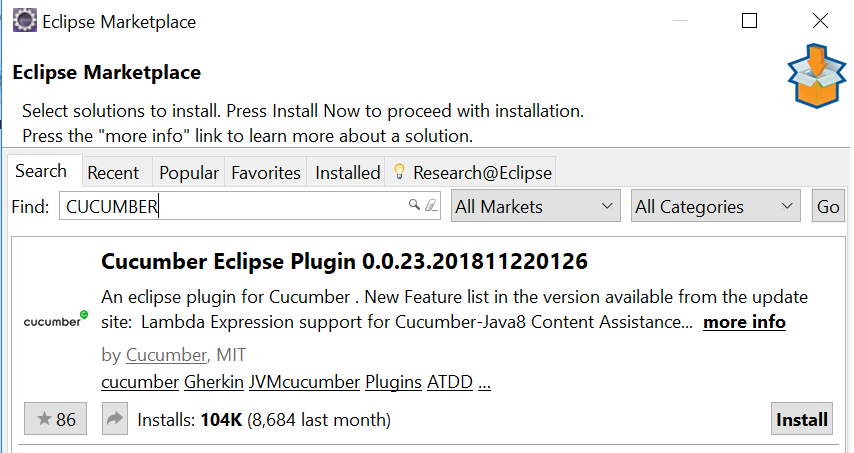
The next step is to review the terms of license agreement before installing the plugin, just to make sure Cucumber will not do any harm to your computer or your files.

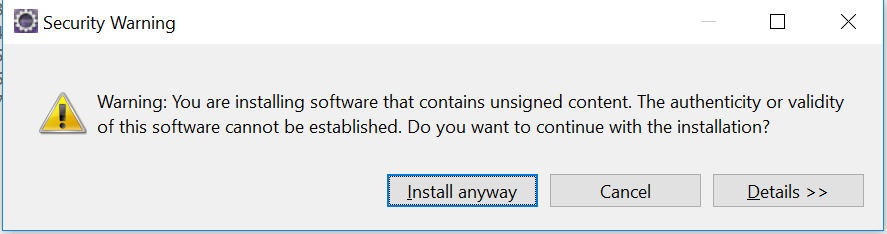
Then you may receive a security warning. Read the warning and click Install anyway if you are comfortable installing the plugin.
It may take a few minutes to install. Check the bottom right corner of Eclipse for the progress of installation.

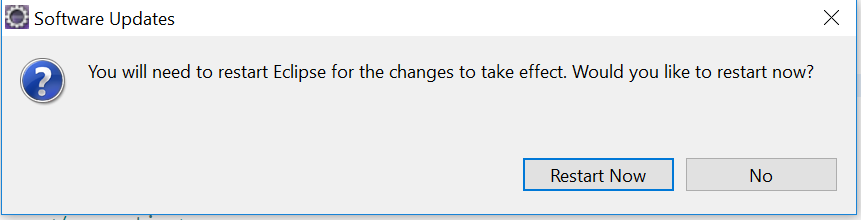
Once installation is done, restarting Eclipse is required.
You may now be able to use the plugin in Eclipse smoothly.
Happy Cucumber-ing!