
I was trying to change the theme of my WordPress site by choosing “Live Preview” on a theme that I recently installed. Then I got this error message:
Non-existent changeset UUID
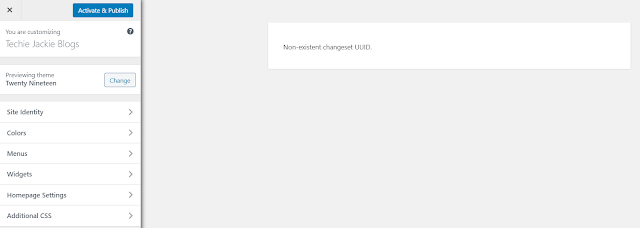
This error actually mean that the WordPress Address (URL) is not the same with the Site Address (URL). Login to your /wp-admin site. Then on the left panel, select Settings – > General
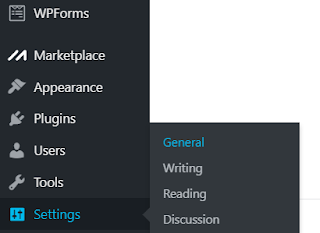
| WordPress Address (URL) https://techiejackieblogs.com |
|---|
| Site Address (URL) https://techiejackieblogs.com |
I recently defaulted my website to https. I had to change the WordPress Address to https too so that they match.
Scroll all the way down and hit the Save Changes button.

Return to the left panel, select Appearances -> Themes. Select the desired theme or add a new one by clicking

After choosing the theme, click “Live Preview”
You should be able to see the theme with your WordPress settings and contents.
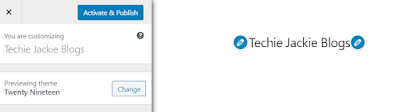
Once happy, click on the “Activate & Publish” button on the top left portion of the screen.